
Solo
For individual worship leaders
$15
/mo
- Unlimited Ableton session builds
- Session View and Arrangement View
- Planning Center or manual setlists
- Custom templates and routing
- 1 device
Turn your worship setlist into a ready-to-run Ableton session in seconds.
14 days free · No credit card required
“Sunday sets that took hours to build are now so quick and easy.”
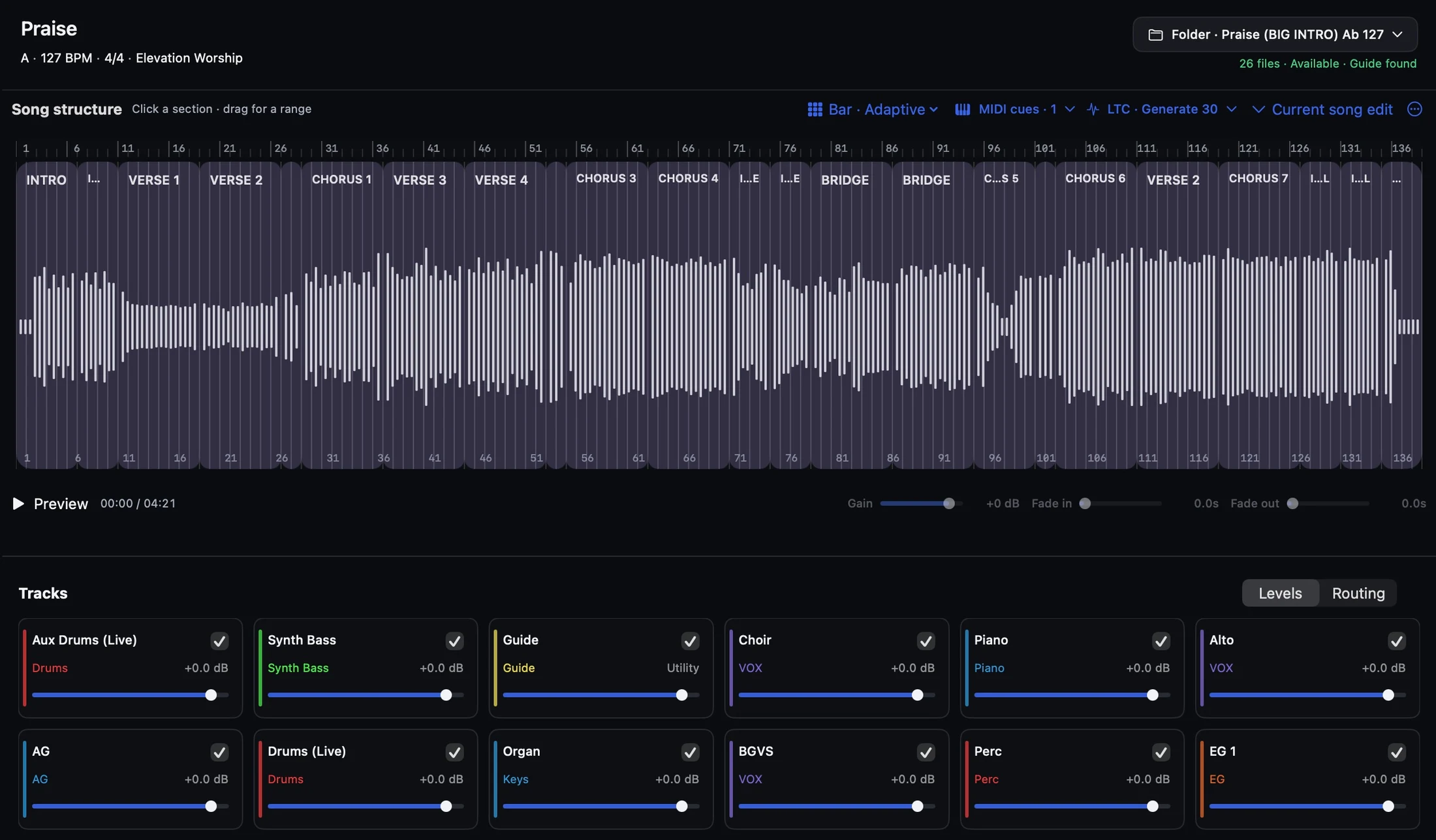
7 files · Available · Guide found
Click a section · drag for a range
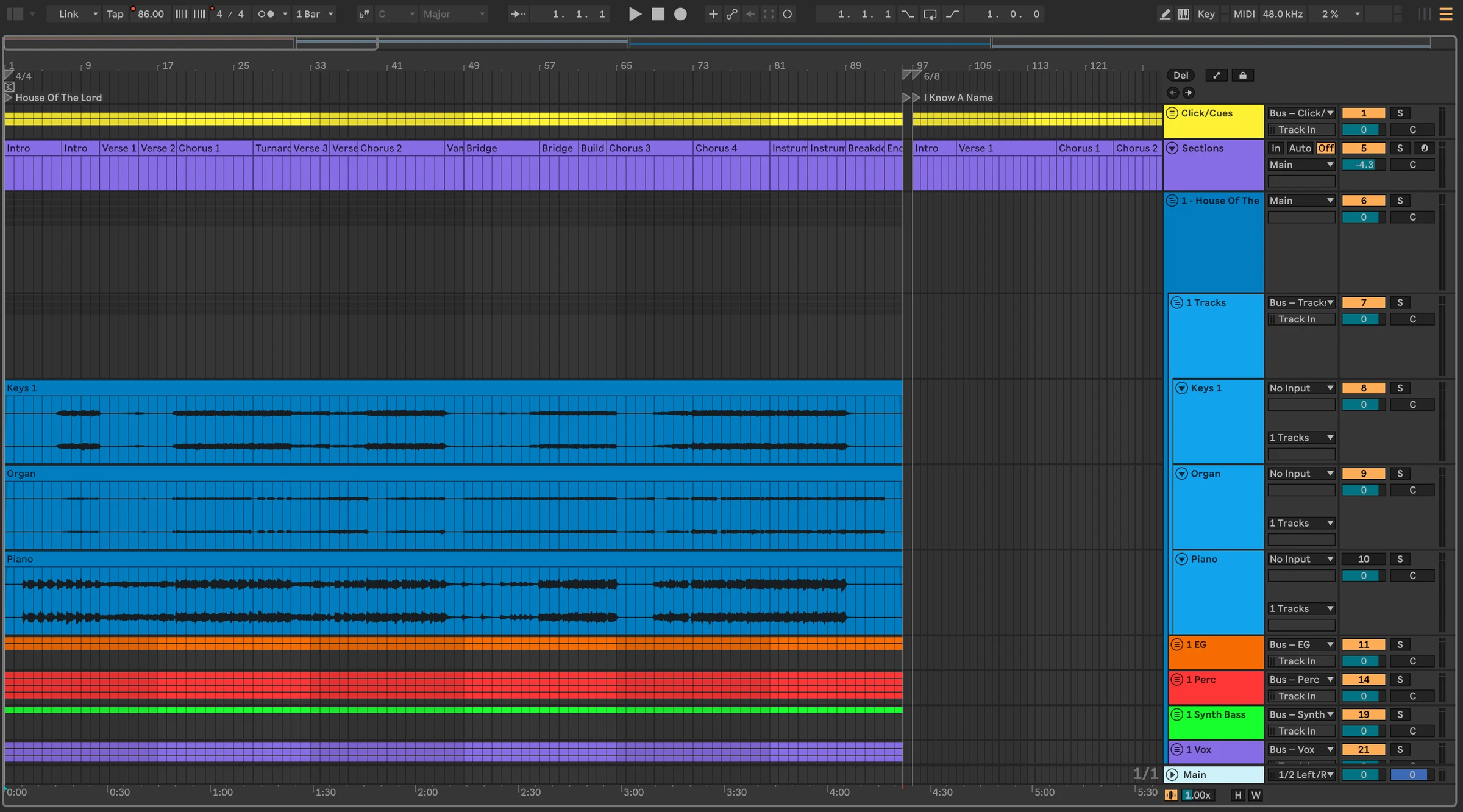
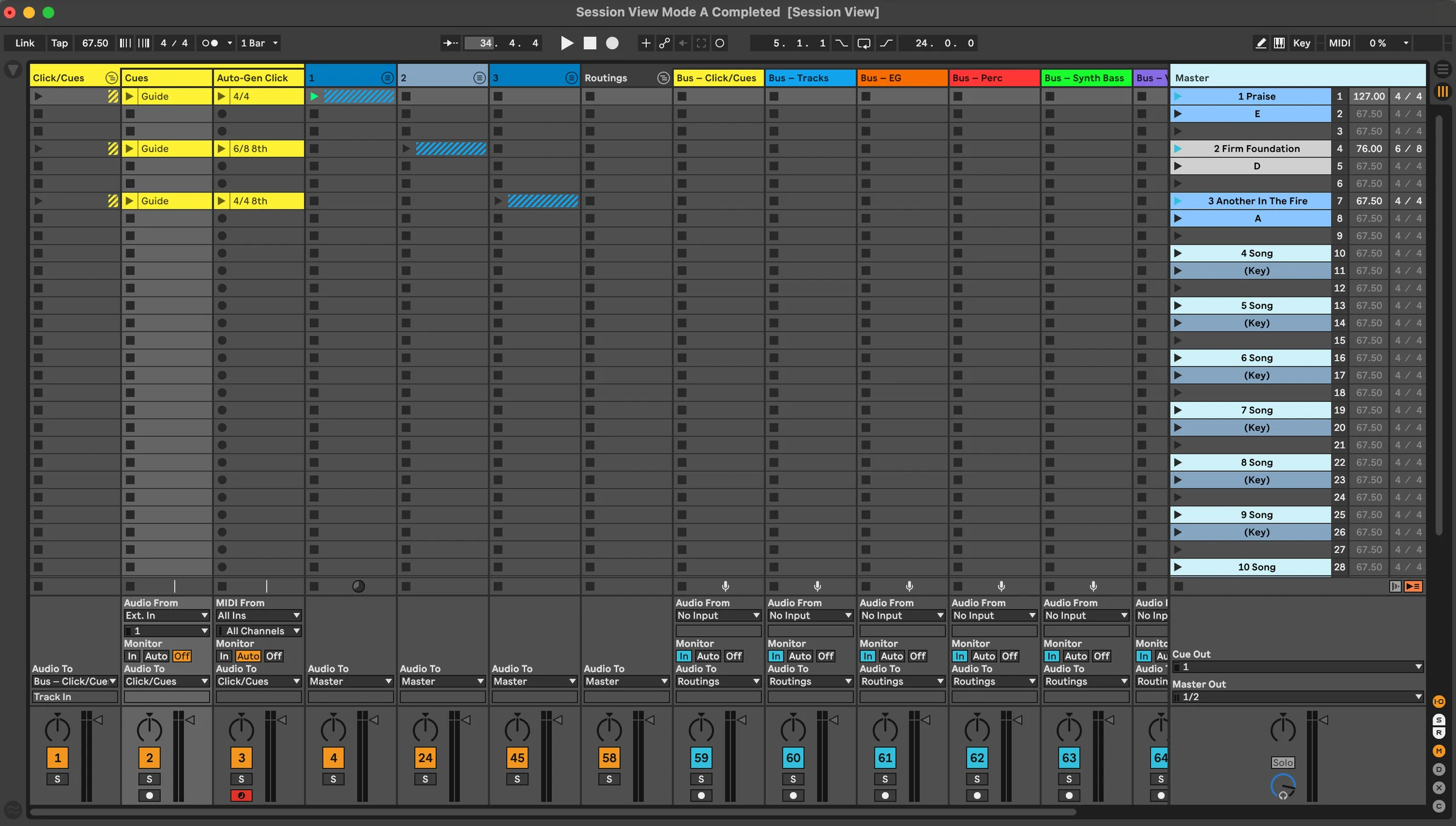
The finished set
Your complete set, grouped, routed, colored, and ready in the Ableton workflow you already use.
Session or Arrangement · Live 10.1–12 · Your template or ours
Built around you
Build into your own template, routing, outputs, and playback workflow.
Room to go deeper
Sections · MIDI · LTC / SMPTE · Tempo
For individual worship leaders
For worship teams
Everything in Solo, plus:
For larger churches and multi-campus organizations
Everything in Teams, plus:
Free download · Trial starts when you sign in · No credit card required
More questions? Visit Support →
★★★★★5 stars. Loved by worship teams using TracksBuilder
Leah Starks
Music Director · St. Louis, MO
Atreyu “Trey” Singleton
Worship & Music Director · Relevant Church